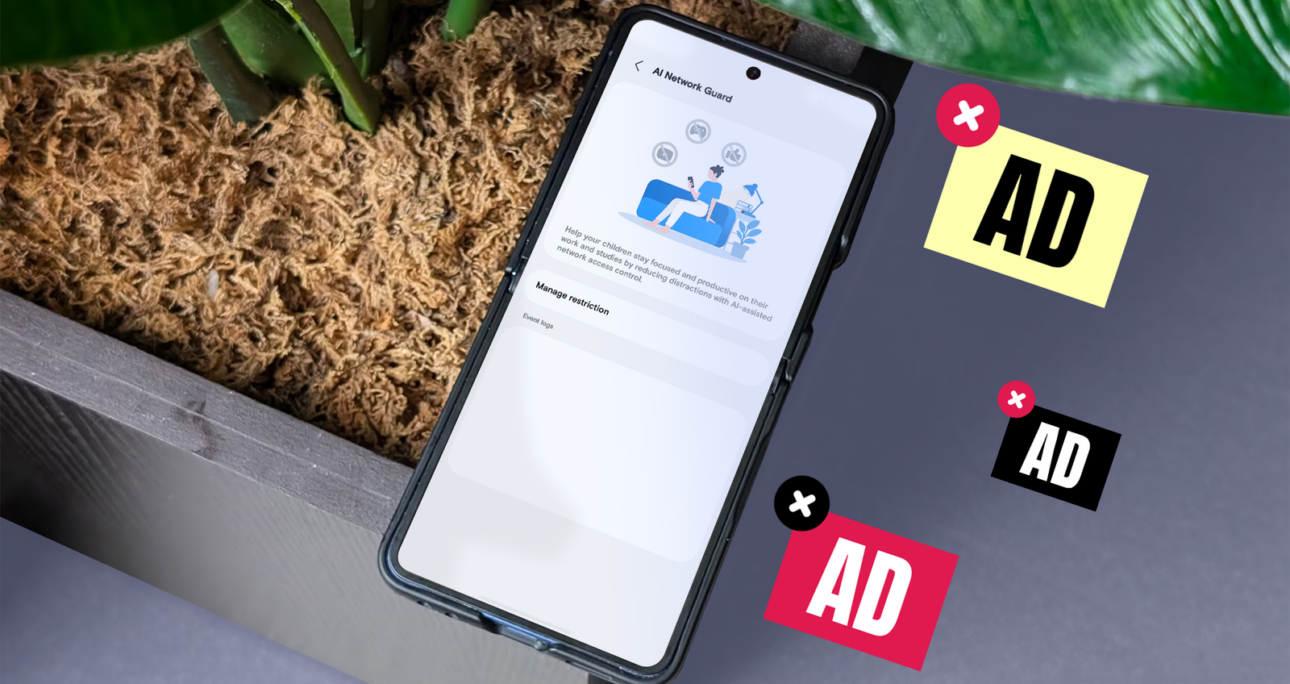
Many free apps and websites pay for themselves with ads, so you don’t have to pay out of pocket.Ads can be simple banners that appear at intervals on a page, or obstructive full-page videos that interrupt whatever you’re doing.One UI 9 introduced a tool to stop them: AI Network Guard. It’s hidden in your Wi-Fi settings, and it works differently from most ad blockers. So, I put it up against AdGuard, a popular, free way to block ads using Android’s Private DNS setting. I tested both with three free, ad-supported apps and one ad-heavy website. Here’s how they performed. Most ad blockers target ads, but Network Guard doesn’t. It just cuts off selected apps from the internet (both Wi-Fi and mobile data).Since ads need the internet to load, they can’t show.This makes it effective at blocking ads. But because of how it works, you can’t use any apps that require an internet connection.For my tests, I installed two apps that don’t require an internet connection, Sudoku by Easybrain and QR & Barcode Scanner by Gamma Play, and an app that needs data, AccuWeather.With Network Guard, Sudoku and the QR scanner still worked, but they didn’t show any ads.Even when I tried watching an ad to get a free hint in Sudoku, the ad failed to load.On the flip side, AccuWeather did not load at all. It simply displayed a something-went-wrong error.With all three apps, a short message saying, “Access blocked – name of the app” would display at the bottom of the screen at intervals. That’s likely every time the app tried to go online, such as to load a new ad.Because it’s app-blocking, Network Guard doesn’t affect websites at all unless you block your browsers. All ads still displayed on my test site, weather.com.Block ‘em and watch ‘em scramNetwork Guard is in a hidden menu called Connectivity Labs. Here’s how to enable it:Ads that the app downloaded may still display after restriction. Clear the app’s cache to prevent this.Samsung built Network Guard to cut distractions, so it’s more of a productivity tool than just an ad blocker.You can restrict all browsers and games at once, since they’re usually a distraction. You can also set a daily downtime schedule for restricted apps.It also groups social apps in one place, but it has no toggle to restrict them all at once. That would be a nifty addition.But it’s not perfect. It grouped OPay, a banking app, under browsers and omitted Samsung Browser from the list. You can set up AdGuard through Android’s Private DNS setting, so you don’t need to download the app. Here’s how: Unlike Network Guard, it only blocks ads and doesn’t affect your internet connection, so apps that require online connectivity work just fine. In my tests, I used AccuWeather without any issues.It also blocks ads on the web. So, if you open a website in your browser, you won’t see ads.That was the case with my test site, weather.com, though it detected the blocker and showed a pop-up asking me to turn it off.AdGuard has one major flaw: it doesn’t block every ad. More importantly, it doesn’t block the most obstructive ads that ruin the user experience.The Sudoku app is a perfect example. It has display ads at the bottom of the screen, which I don’t mind because they don’t interfere with my gameplay — AdGuard blocked those completely.However, the full-screen ads still showed up as often as before. They show up every minute or so, completely interrupt your flow, and make you watch a few seconds before you can close them.And these are the ones I want blocked.It’s not perfect, but it works for me AdGuard is the easier tool to use. It works across all apps and websites and doesn’t break anything. But in my tests, it blocked the ads I didn’t mind and let through the ones I did.Network Guard, on the other hand, is blunter, but that’s what makes it useful. It stopped every ad in my offline apps, including Sudoku’s full-screen interruptions, and left everything else untouched.That matters because ads keep many apps and websites free. I don’t want to pay for every simple game I play, or article I read online, so I’d rather block only the ads that ruin the experience.For now, I’ll keep Network Guard on for the offline games and utilities that bombard me with full-screen ads, and leave the rest alone.If ad-heavy notifications bother you, Samsung has another tool to silence them. We want to hear from you. Share your perspective in the comments below, and please keep the conversation respectful.Your comment has not been savedI don’t know what kind of programs you guys are installing but I don’t get a single ad on my phone and I would consider myself a power user and I’ve never needed any sort of ad guardWow, thanks mate for sharing this. I have a brand new Samsung Ultra 26. I use the full version of AdGuard and it works perfectly fine, blocking ads system-wide. I don’t play games, so I don’t know, but it’s good to know my phone has it built into my Samsung Ultra 26.The best of Android Police, directly in your inbox.By subscribing, you agree to receive newsletter and marketing emails, and accept our Terms of Use and Privacy Policy. You can unsubscribe anytime.source
I tested One UI 9's new Network Guard against AdGuard's Private DNS to stop annoying ads on my Galaxy – Android Police
Related Posts
 nov 2, 2026
 nov 2, 2026