
How To Turn Off Personalised Ads On Instagram?
Ever thought of buying something and ended up getting similar suggestions from Instagram? That’s because the platform uses your activity and preferences to show personalised ads. For some users, it’s really helpful, while some find it creepy and get uncomfortable with these advertisements.
Instagram usually uses your data and tracks your digital activity to suggest personalised ads, but if you don’t like them, here’s how to turn off personalised ads from Instagram.
Step 1: In your laptop or phone, open the Instagram app.
Step 2: In your Instagram account, click on three lines in the right corner.
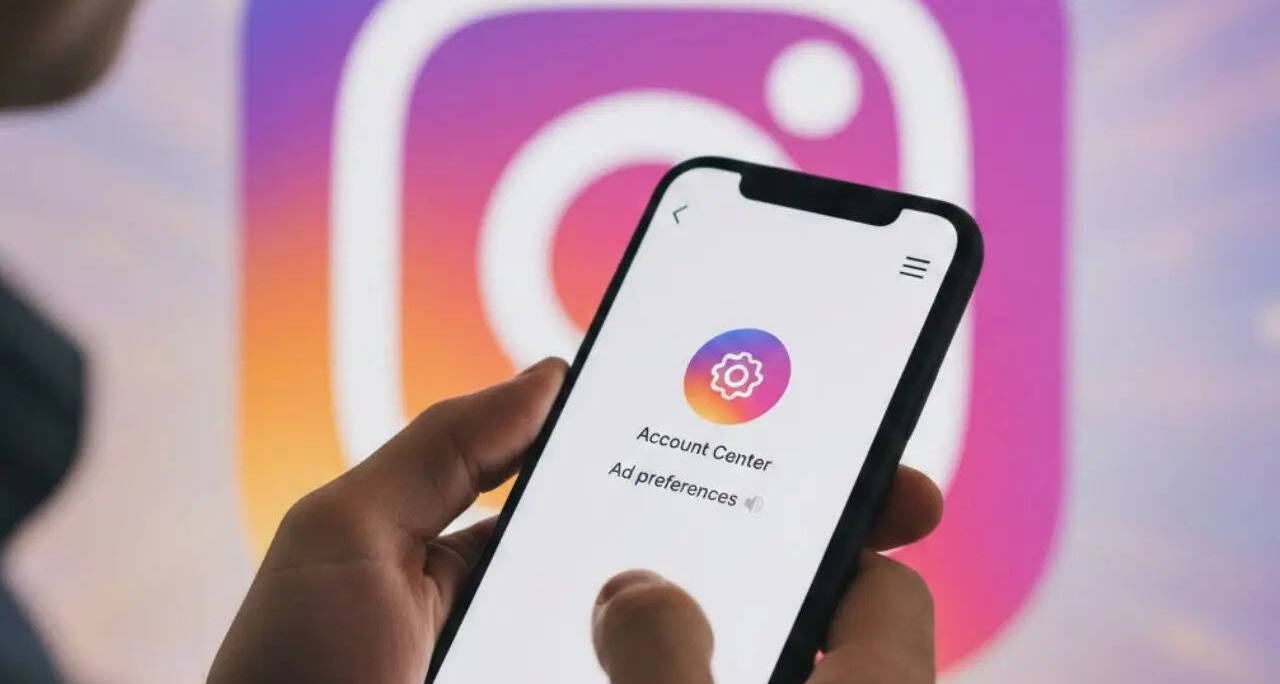
Step 3: Under that you’ll find “Account Centre”; click on that.
Step 4: Under Account Centre you’ll find “Ad preferences”.
Step 5: After clicking on “Ad preferences”, go to “Manage info”.
Step 6: Click on “Activity information from ad partner”
If you don’t want to continue getting ad preferences, then you can click on the “No, don’t make my ads more relevant” option.
Turn Off Meta Activity
Step 1: In your Instagram account, go to the account centre by clicking on three lines in your profile section.
Step 2: Click on “Your Information and Permissions”.
Step 3: Go to “Your Activity off Meta Technologies”.
Step 4: Select options from “Disconnect specific activity”, “Clear previous activity” or “Manage future activity”.
These options will help you stay private and keep you from all the unnecessary information that businesses and organisations send to Instagram about our interaction with them.
Note: Even after you turn off these personalised ads, you will still see advertisements on Instagram. However, these ads now may seem less relevant, as they are no longer based on your activity and what you search online. Instead, the ads will be shown based on general criteria like age, location and the type of content you are consuming.
Professionals & enthusiasts who write about politics to science, from economy to education, from local issues to national events and global affairs, t… View More
5 Best Attack On Titan Wallpapers For Your Phone
5 Best Camera Phones Under Rs 40000 To Buy In 2026
Why the Snapdragon 8 Gen 5 makes the Motorola Signature the most balanced flagship
'My Dad’s Phone Was Compromised, OTPs Kept Coming – By Morning Rs 42,000 Was Gone'
5 Best Foldable Phones To Buy In 2026
How To Turn Off Personalised Ads On Instagram? A Simple Guide – Times Now
Related Posts
 jan 31, 2026
 jan 31, 2026
 jan 31, 2026